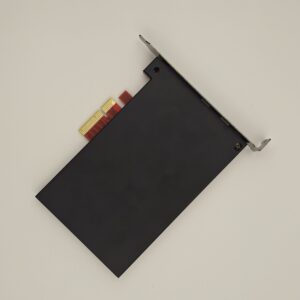
产品概述
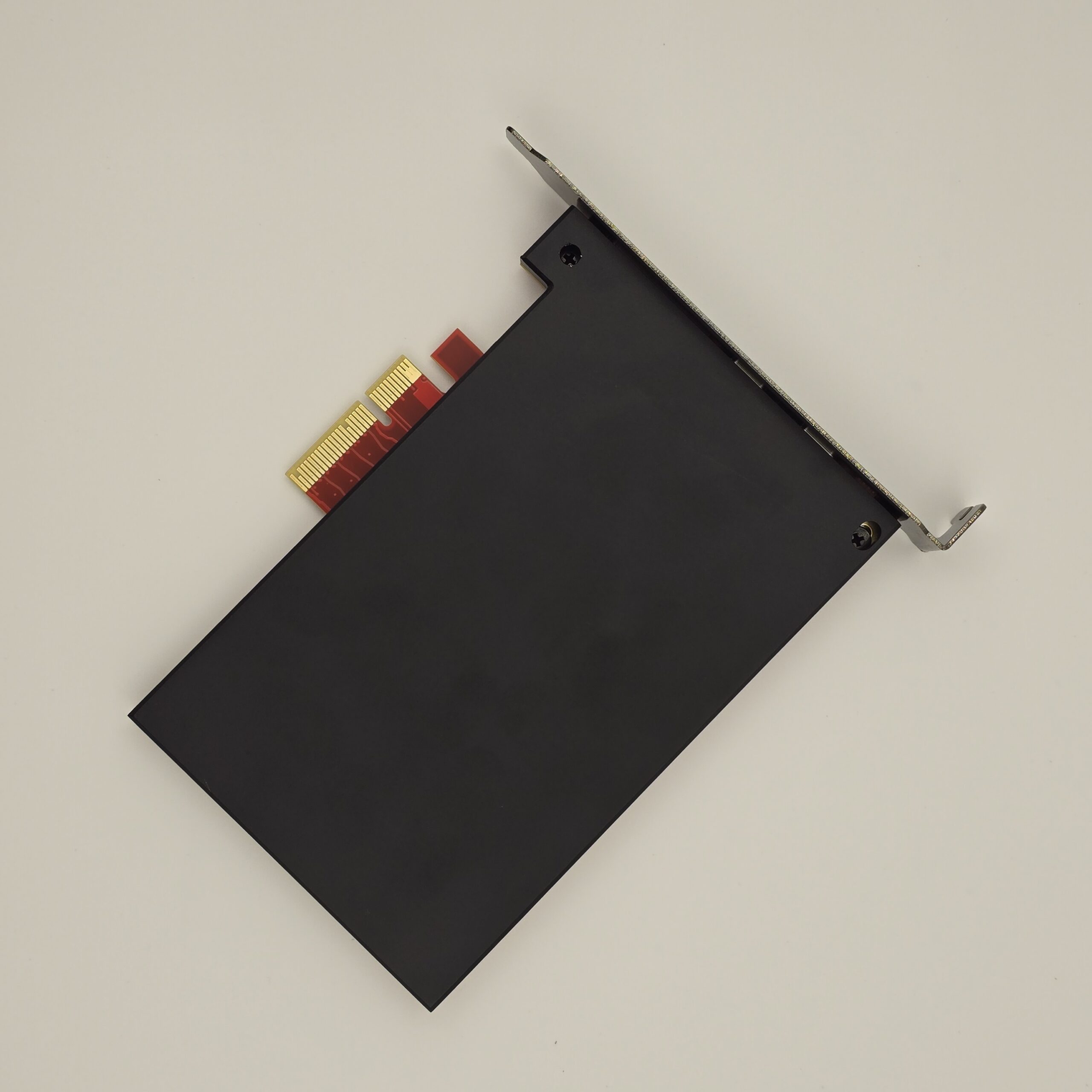
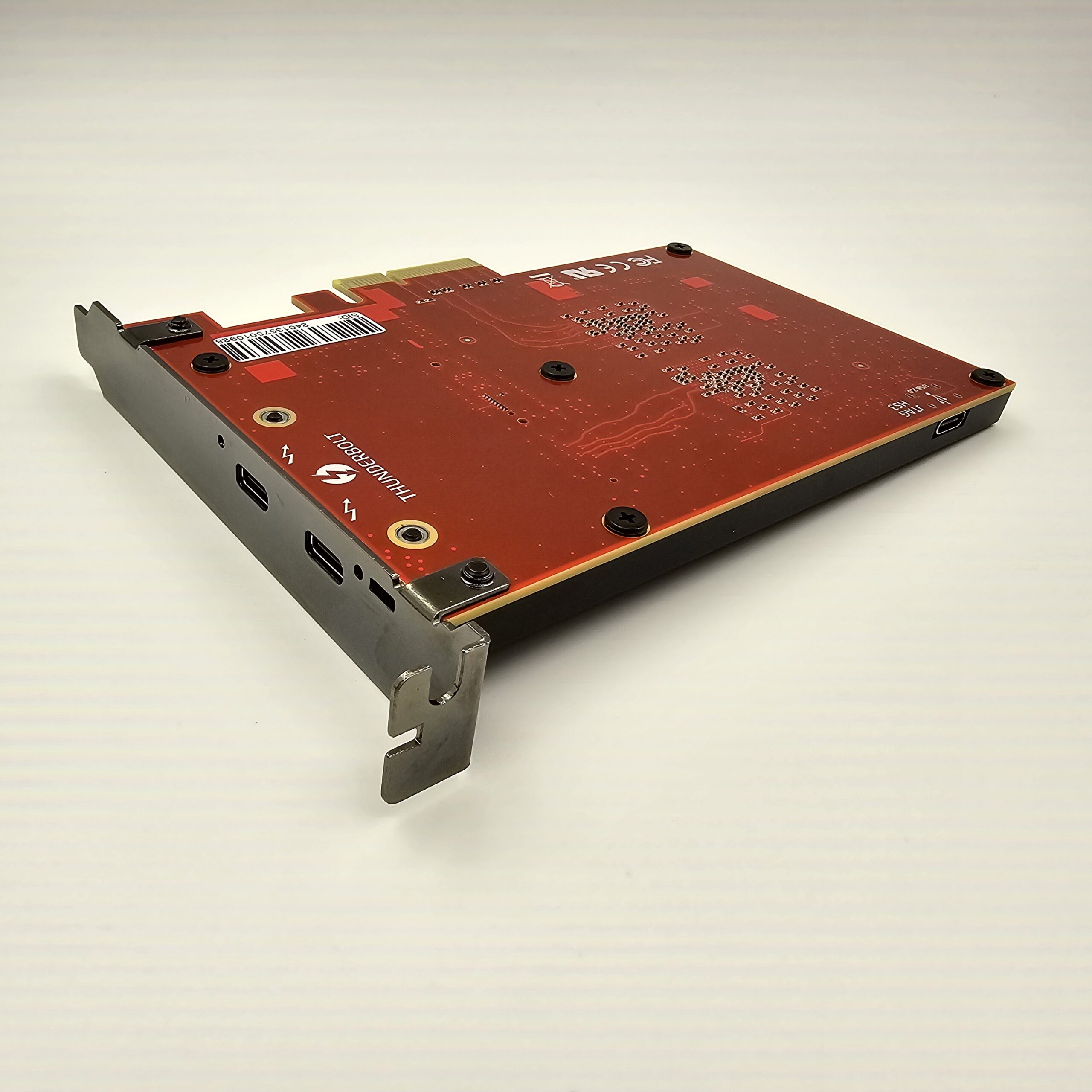
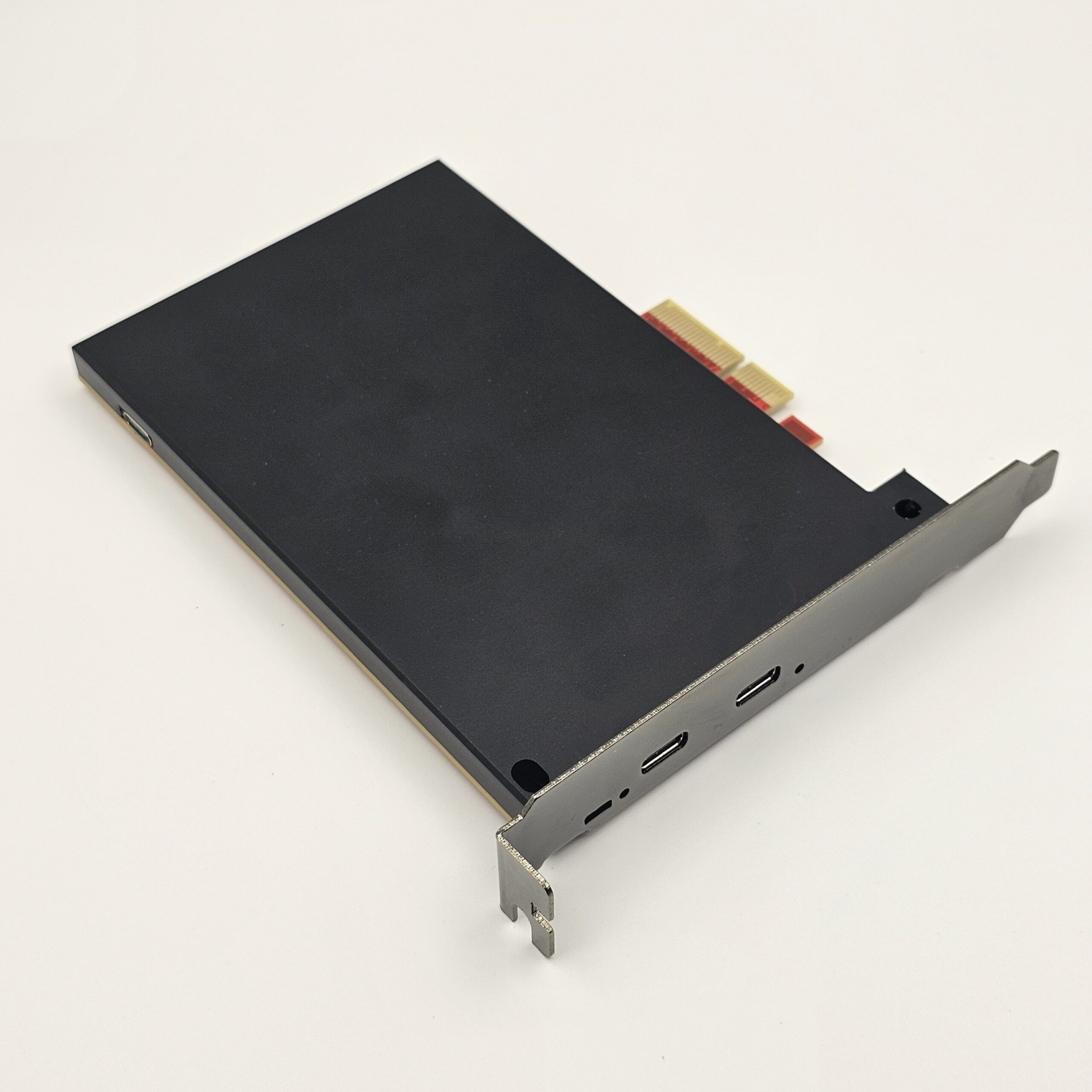
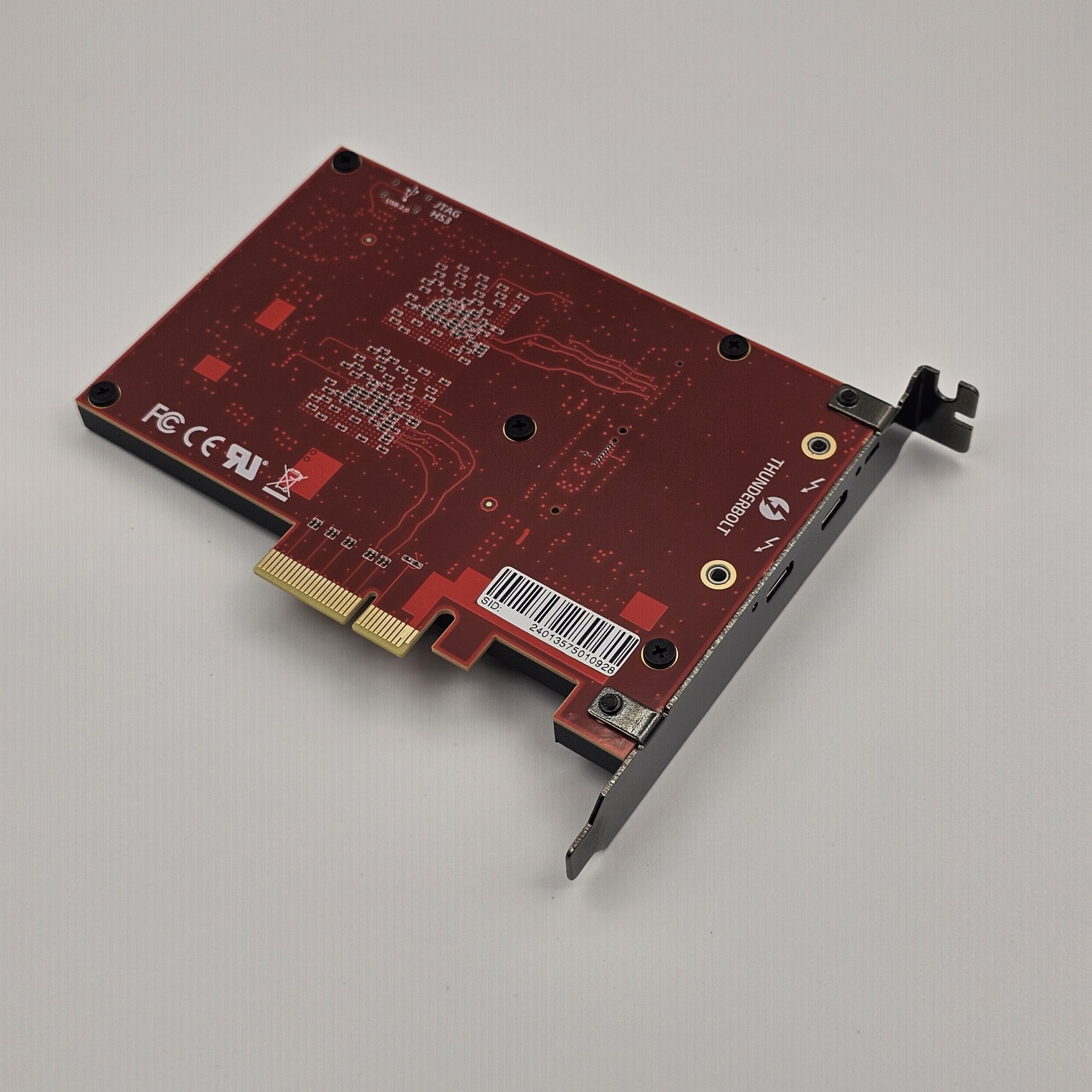
ZDMA 是一款双 FPGA(100t-75t)DMA 设备,传输速度可达 1 Gb/s。现提供两种接口版本,下单时请按控制电脑的接口选择:
- 雷电版:控制电脑带原生 Thunderbolt 3 / USB4 / USB5 接口(笔记本、NUC 以及带雷电口的台式机主板均可),一根线连接,无需转接板。
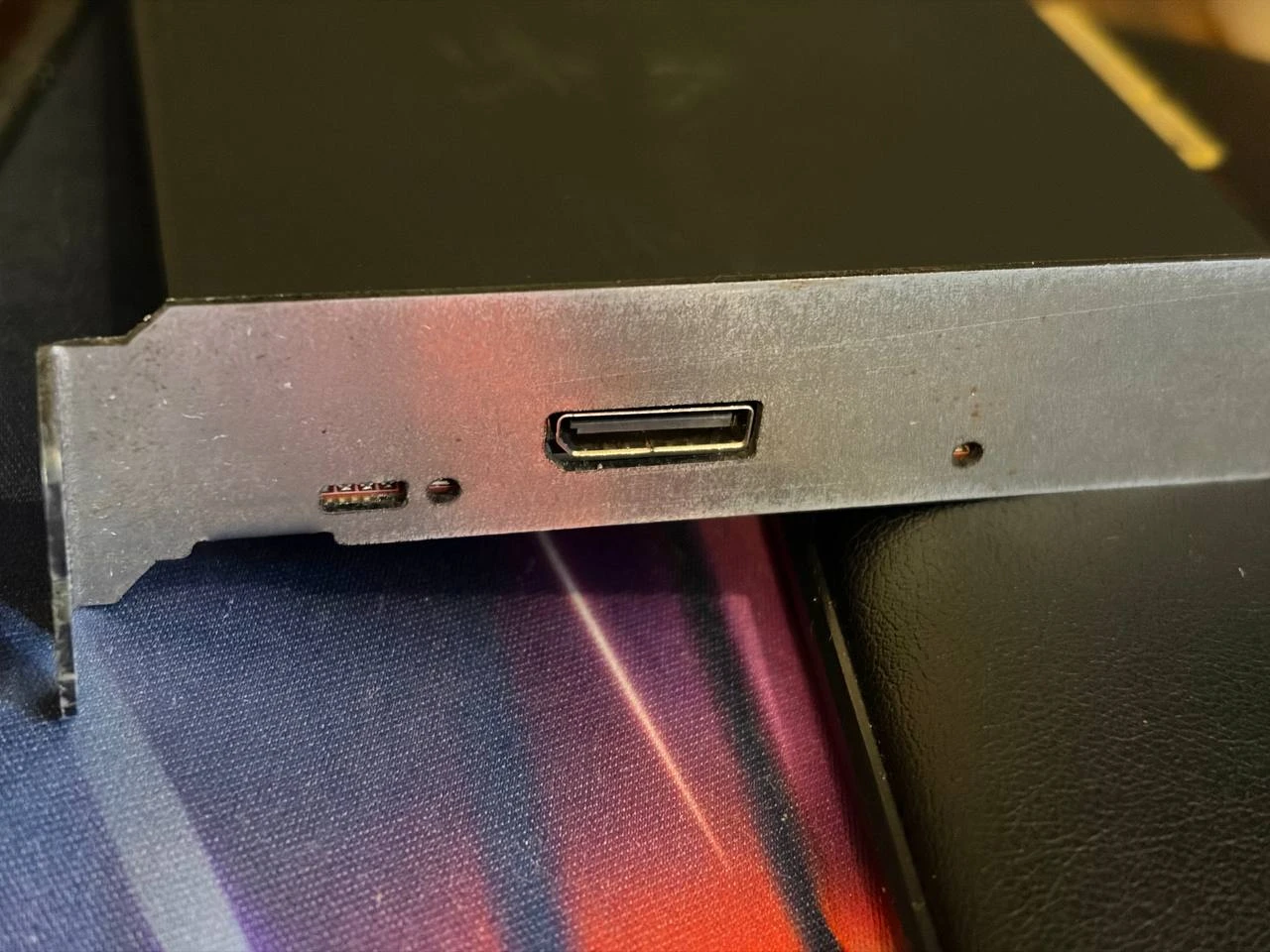
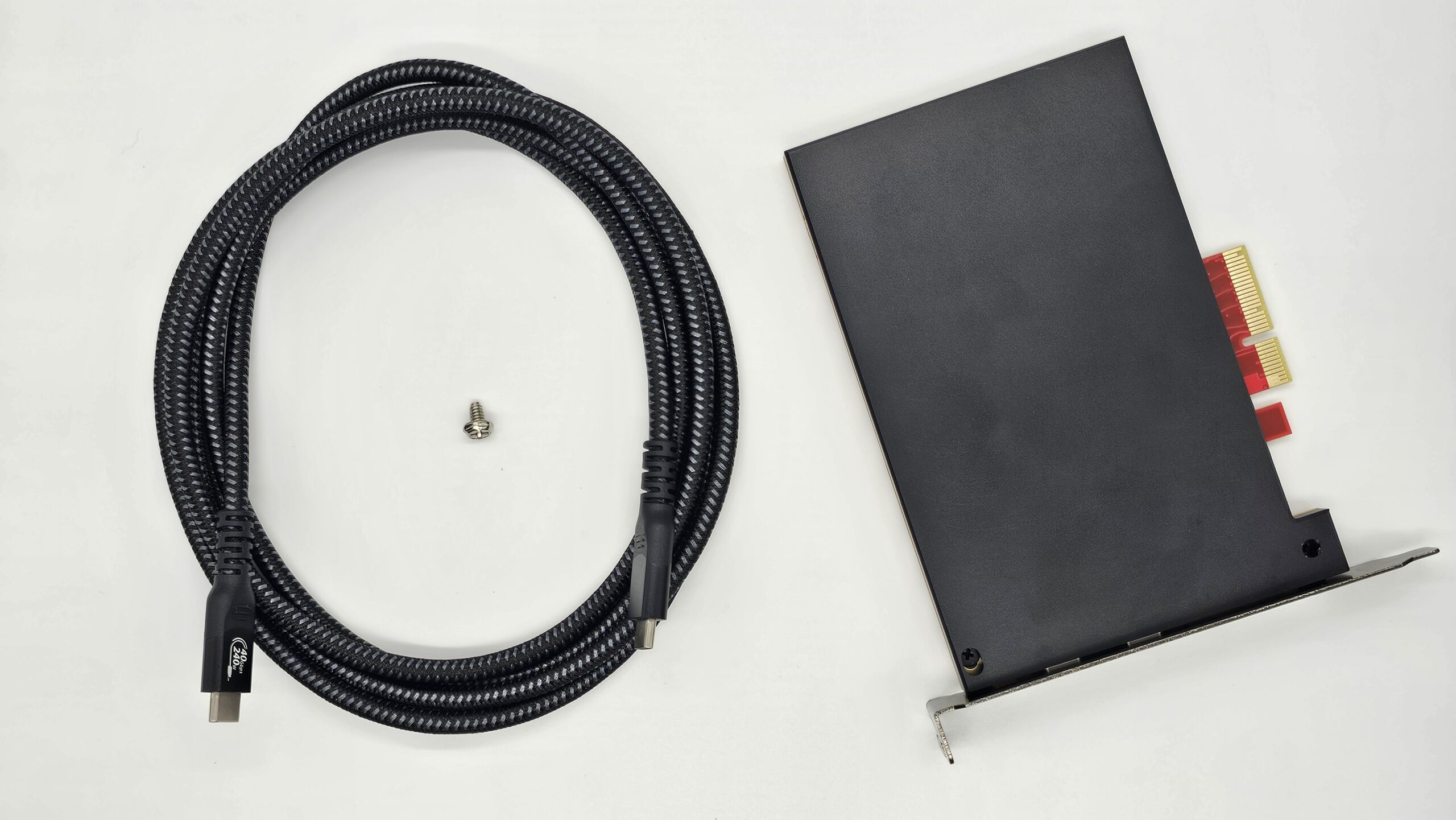
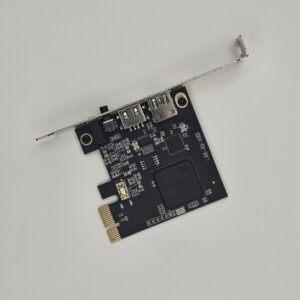
- OCuLink 版:适合控制电脑是台式机的用户。随机附 PCIe x4 OCuLink 转接板和 1 米 OCuLink 连接线;也可直接连接带原生 OCuLink 接口的迷你主机(如 Minisforum UM790 XTX)。
两个版本板卡、固件和软件相同。OCuLink 版是直连 PCIe,中间没有雷电控制器和协议转换,开销更低、读取频率通常更高,也没有雷电协议常见的线材兼容和掉驱动问题。接口模块可在雷电与 OCuLink 之间更换,后续会单独出售替换接口件;更换需要拆开设备并破坏保修标签,仅建议过保后操作。
如何选择
- 控制电脑有原生雷电 3 / USB4 / USB5 接口(笔记本、NUC 或带雷电口的主板)→ 选雷电版。
- 控制电脑是台式机(有空闲 PCIe x4 插槽,或有原生 OCuLink 口)→ 选 OCuLink 版。推荐台式机用户选这版:直连 PCIe、频率更高,不依赖雷电控制器,没有线材兼容和掉驱动问题。
- 不确定请在购买前联系我们,提供主板和第二台电脑型号。
购买前确认
- 目标电脑需要可用的 PCIe x4(或更大)插槽。
- 控制电脑:雷电版需 Thunderbolt 3 / USB4 接口;OCuLink 版需空闲 PCIe x4 插槽或原生 OCuLink 接口(仅有 PCIe x1 或 M.2 NVMe 时需自备 SFF-8612 OCuLink 转接卡)。
- 兼容性和实际性能取决于电脑、固件及连接配置;详见「兼容性」标签页。
使用 ZDMA 前,请确认您的设备满足以下要求。
目标电脑 — PCIe 接口
目标电脑的主板必须有一个可用的 PCIe x4(或更大)插槽用于安装 ZDMA。请确认插槽未被显卡、散热器或其他扩展卡遮挡,并确认该插槽不会与其他接口共享通道。部分主板的 PCIe 插槽会与 M.2、SATA 或其他 PCIe 插槽共享带宽,启用其中一个接口可能导致另一个接口降速或停用。请始终以主板说明书或制造商官方规格为准。
控制电脑(第二台电脑)— 雷电版
第二台电脑需要具备支持 Thunderbolt 3 / USB4 / USB5 的接口。普通 USB Type-C 接口不等同于雷电接口;如果 Type-C 接口仅支持标准 USB 数据传输,则无法使用。ZDMA 通过 Thunderbolt 3 协议工作,因此该接口必须支持 Thunderbolt 3 或兼容协议。
控制电脑(第二台电脑)— OCuLink 版
第二台电脑是台式机时推荐选择 OCuLink 版。随机附 PCIe x4 OCuLink 转接板和 1 米 OCuLink 连接线。第二台电脑需满足以下任一条件:
- 带原生 OCuLink 接口(例如 Minisforum UM790 XTX)——直接插线,不需要转接板;或
- 有空闲的 PCIe x4 插槽(x8 / x16 亦可)用于安装附带的转接板。
- 如果第二台电脑只有 PCIe x1 插槽或 M.2 NVMe 插槽,需要自备 OCuLink 转接卡——搜索「SFF-8612 OCuLink 转 PCIe x1」或「M.2 NVMe 转 OCuLink(SFF-8612)」转接卡,不随机附带。(OCuLink 线材标准为 SFF-8611,板端接口标准为 SFF-8612。)
OCuLink 版是直连 PCIe:中间没有雷电控制器和驱动,因此没有雷电线材兼容和掉驱动问题,读取频率通常也更高。连接线请保持 1 米以内。
支持的操作系统
- ✅ 支持:x64 / x86 架构的 Windows 和 Linux
- ❌ 不支持:macOS;ARM 架构设备(例如 Apple M1 / M2 / M3 / M4)
- 搭载 Intel 处理器并运行 Windows 的 Mac,可按 Windows 设备评估
如何检查是否有可用的 PCIe x4 插槽
- 查看主板说明书或规格页面,确认是否有 PCIe x4、x8 或 x16 插槽
- PCIe x4 插槽通常比 x1 插槽更长;ZDMA 也可在许多 x8 / x16 插槽中使用
- 确认插槽未被显卡、散热器或其他设备遮挡
- 检查该插槽是否与 M.2、SATA 或其他 PCIe 插槽共享通道,以避免降速、停用或识别问题
- 如使用 x8 / x16 插槽,请确认其可用于扩展设备,且未受 BIOS 或主板布局限制
如何检查第二台电脑是否支持 Thunderbolt 3(仅雷电版)
- 在设备官方规格或说明书中查找 Thunderbolt 3 / 4、USB4 或 USB5
- 查看 Type-C 接口旁是否有 ⚡ 雷电标志;部分设备不会印制该标志,请以官方规格为准
- Windows:检查是否安装 Thunderbolt Control Center,或在设备管理器中查找雷电控制器
- Linux:使用系统硬件信息或
boltctl 等工具检查雷电控制器和接口状态
无法确认?如果您无法确认兼容性,请在购买前联系我们,并提供主板型号、第二台电脑型号和系统信息,我们会协助核对。
运输与海关
免费配送。我们通过 DHL 或 FedEx 向大多数目的地提供免费配送。部分偏远或高成本地区可能需要支付部分配送附加费;如适用于您的订单,我们会在发货前通过电子邮件与您确认。
订单处理。国际订单通常在周末按周集中处理,因此订单可能会在下一个处理周期发出。
运输与追踪。发货后的预计运输时间约为 7 天。订单发出后,我们会通过电子邮件发送追踪号码。
进口关税与税费。包裹通常按 30 美元申报。根据目的地的海关政策,可能产生进口关税、税款或清关费用;这些费用由客户承担,最终金额由当地海关或承运商确定。
退款
- 找到订单确认邮件。
- 回复该邮件并提出退款申请。
- 附上付款记录和退款地址。
- 如未提供退款地址,我们将原路退回至原付款方式。
- 退款申请将在 1–2 个工作日内处理。
阅读完整的退换与退款政策 →
需要帮助?请在我们的 Discord 服务器中提交工单,或通过电子邮件联系我们。
仅限合法用途。ZDMA 是一款硬件设备,仅可用于合法、已获授权且合规的用途,包括技术研究、开发、测试、调试和数据分析。购买、持有、安装或使用本产品前,您有责任确认相关活动符合所在国家或地区的法律法规、适用的行业标准、平台规则及任何第三方服务条款。
默认固件。我们销售的 ZDMA 硬件仅预装默认开源固件,该固件来自开源 PCILeech-FPGA 项目(github.com/ufrisk/pcileech-fpga/tree/master/ZDMA)。此固件仅用于收货时验证基本硬件功能,例如设备能否被识别、连接并通过基础检查。不得将其用于任何其他目的,包括但不限于未经授权访问系统、读取或修改数据、绕过安全或检测机制、损坏系统、侵犯隐私或知识产权、违反游戏或软件平台规则、作弊、欺诈、攻击、入侵或任何其他违法活动。
不授权滥用。销售本产品及提供默认固件,并不构成对任何违法、不合规或侵犯权利行为的授权、鼓励、协助或认可。未获得设备所有者、系统所有者或其他相关权利人的明确授权时,不得在任何场景中使用本产品或固件。
客户责任。您有责任确保使用环境、目标设备、软件、网络及相关数据均已获得合法授权。因违反法律、平台规则或第三方协议,或未经授权使用本产品、固件或相关工具而造成的账号封禁、服务限制、设备损坏、数据丢失、民事纠纷、行政处罚、刑事责任或其他损失,均由您自行承担全部责任。
修改与第三方软件。对于您自行修改、替换、下载、编译、刷写或使用的任何固件、软件、脚本、驱动程序、配置文件或第三方工具,我们不承担责任。后续安装、修改、配置和使用本产品及其产生的一切后果均由您自行承担。
进出口与当地合规。如果您的国家或地区限制 DMA 设备、安全测试设备、数据访问设备、加密设备或相关技术的进口、出口、持有、销售或使用,您必须在购买前完成确认并承担相应合规责任。因当地法律、海关政策、监管要求或第三方平台规则导致产品无法送达、无法使用、被扣留、退回或受到其他影响,其后果由您自行承担。
同意条款。购买即表示您确认并同意:ZDMA 硬件及其默认固件仅可用于合法、已获授权且合规的测试与研究;默认固件仅用于收货时的基本硬件功能测试;购买、持有、修改、配置或使用本产品及任何相关固件、软件或工具所产生的全部法律与合规责任均由您承担。