Thunderbolt DMA – ZDMA 【Best DMA ever, up to 1Gb/s, fastest DMA ever,100t-75t 2 FPGA ships】

$650

Fast shipping via FedEx

Fastest DMA

Model
ZDMA
Controller (optional)
Guaranteed Safe Checkout

If you would like to pay by card, please open a ticket on our Discord server to let us know.

  • No-Risk Money Back Guarantee!
  • No Hassle Refunds
  • Secure Payments

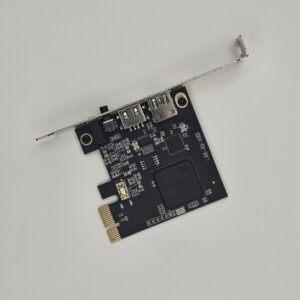
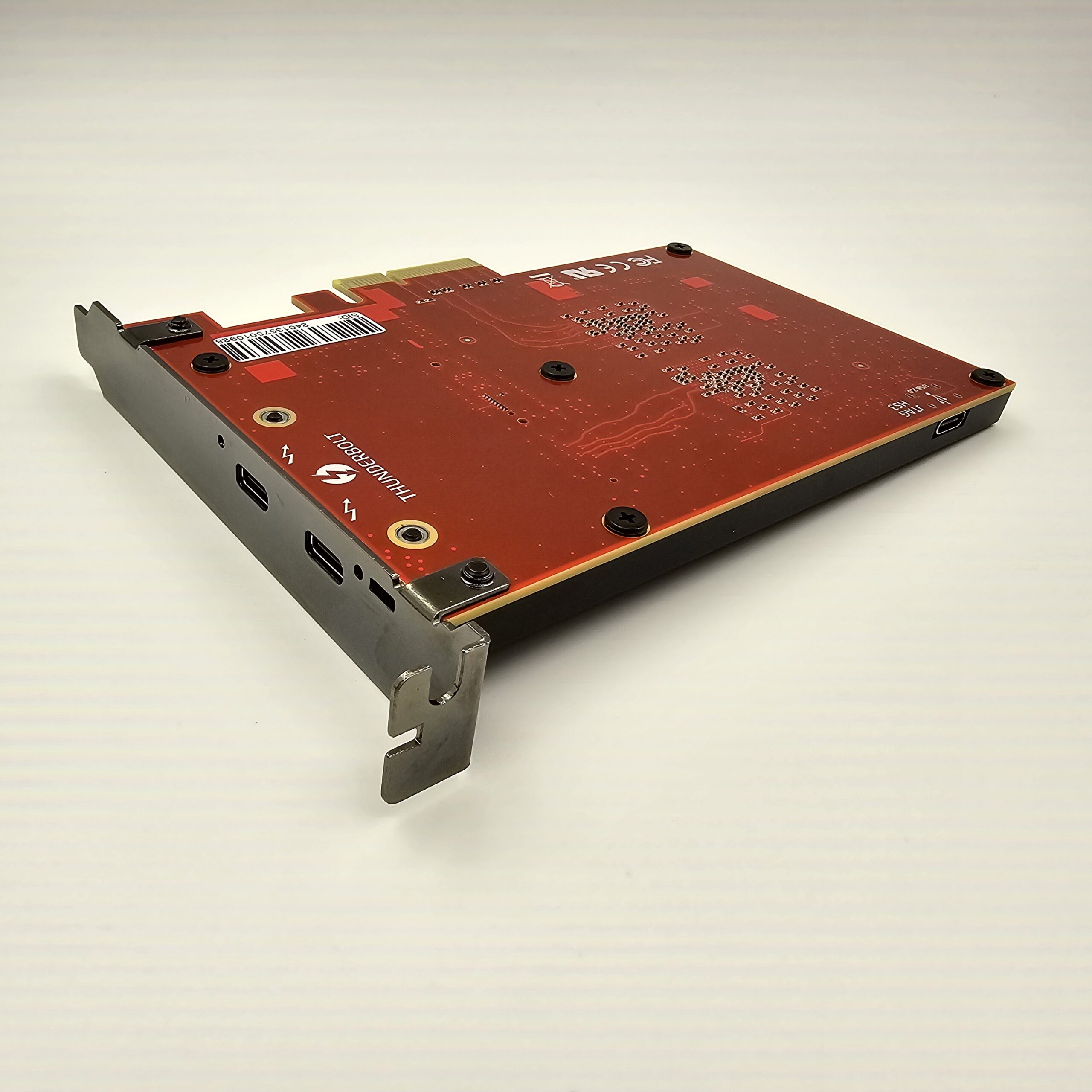
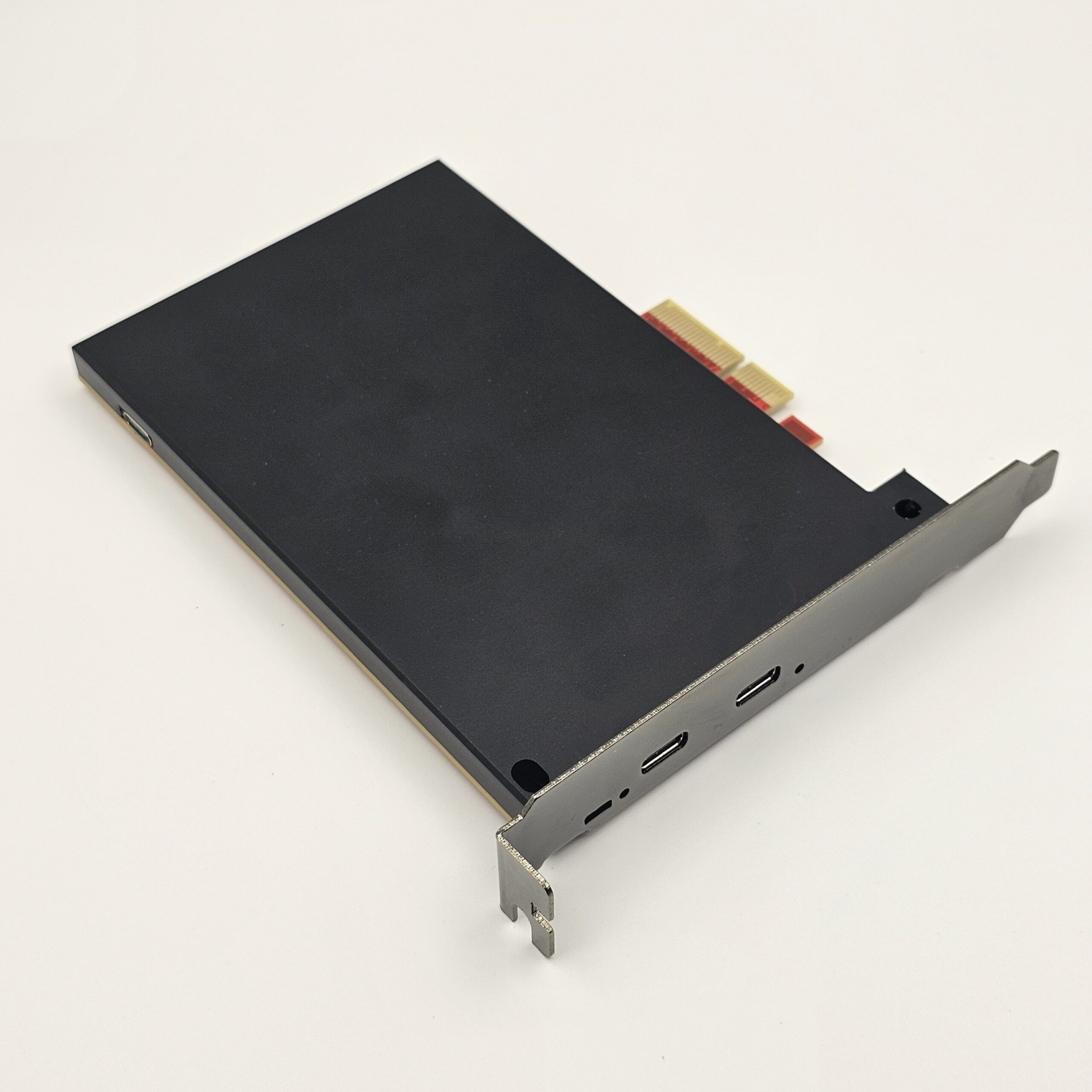
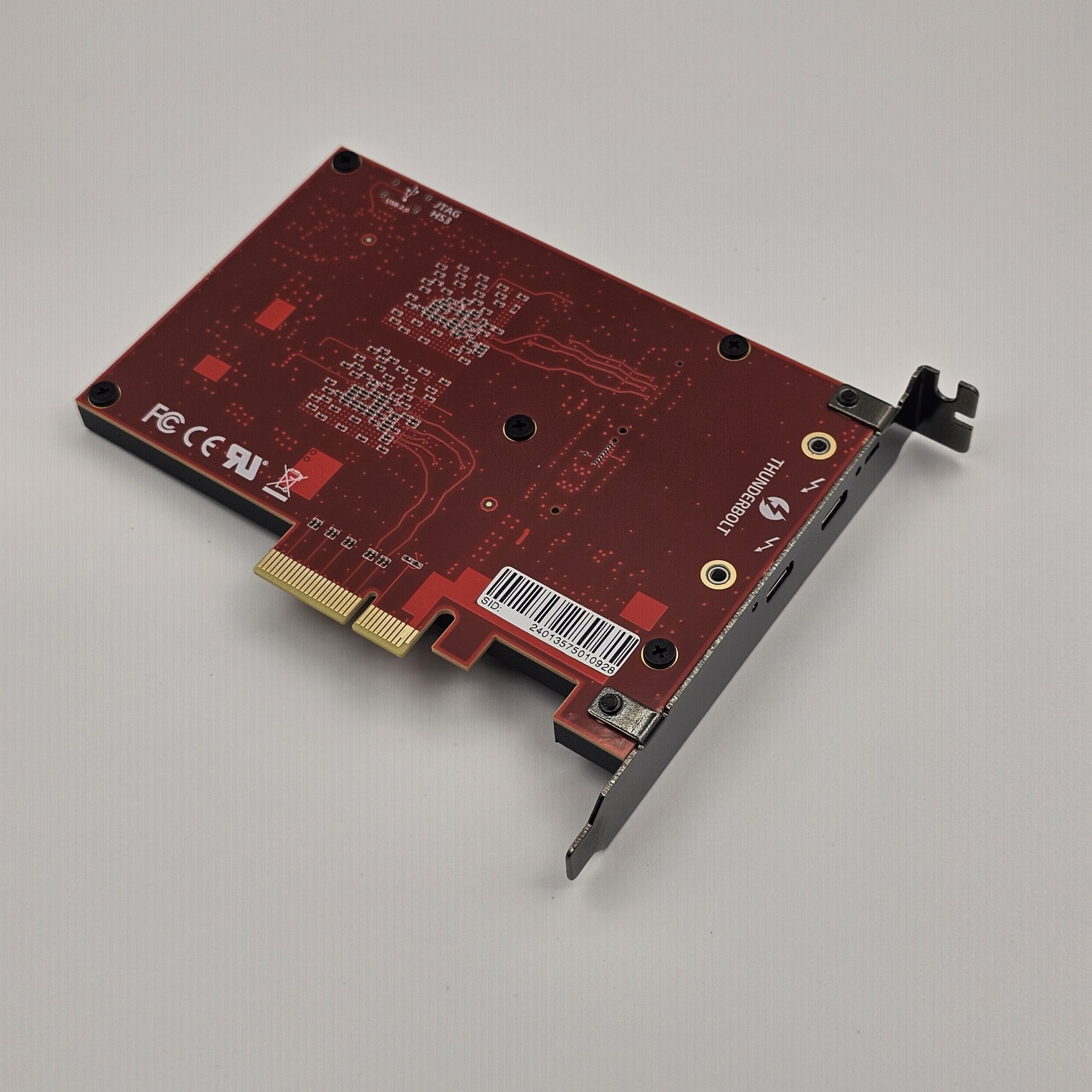
ZDMA, utilizing 100t-75t chips, achieves Thunderbolt transmission functionality – it’s the world’s first DMA with a Thunderbolt interface. It effortlessly reaches a transmission speed of 1 Gb/s.

As long as your control computer has a Thunderbolt interface, you no longer need to worry about your DMA’s performance. Opt for a smaller NUC or laptop with Thunderbolt, and effortlessly harness powerful performance while keeping your desktop tidy.

ZDMA Limited Availability: Act Fast!

Compatibility

ZDMA needs a PCIe x4 (or larger) slot on the target PC and a Thunderbolt 3 / USB4 / USB5 port on the controlling PC. It supports Windows & Linux (x64 / x86)not macOS or ARM devices (e.g., Apple M1 / M2 / M3 / M4).

👉 See the Compatibility tab for full requirements and step-by-step checks. Not sure? Contact us before purchasing with your motherboard and second-PC model.

Product Features

  • Tested read and write bandwidth up to 966mb/s
  • Onboard JTAG for easy firmware updates
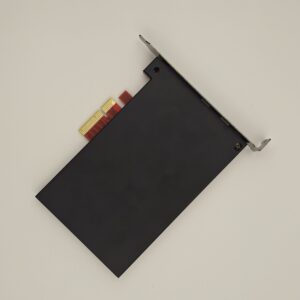
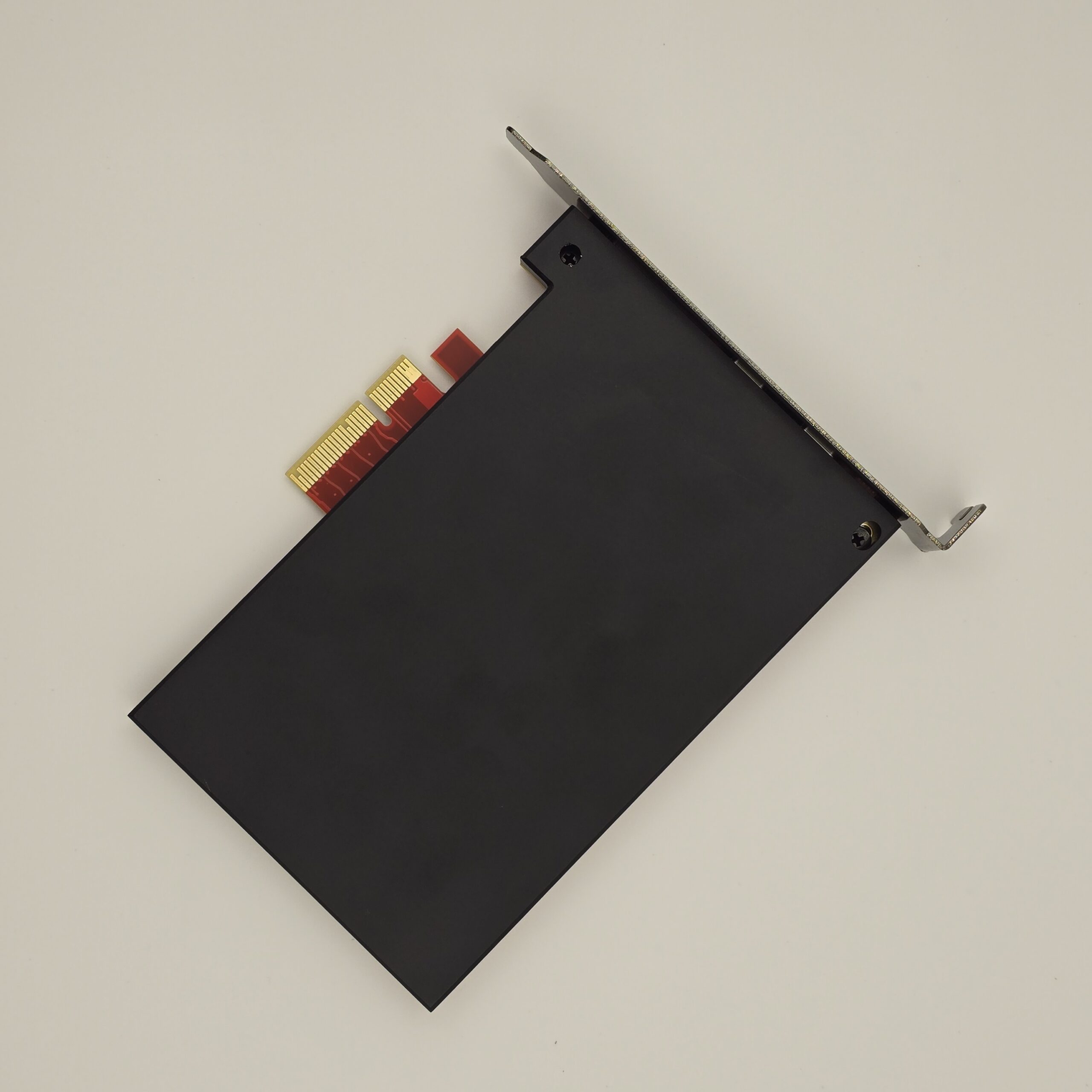
  • Alloy cooling armor with a frosted texture ensures DMA can withstand high temperatures in the working environment.
  • Controlling computer can use smaller, more convenient NUC or laptop with Thunderbolt interfaces to easily get several times the speed of other DMAs.
  • Perfectly compatible with PCILEECH, just update leechcore.dll to the latest version.

Box Contents

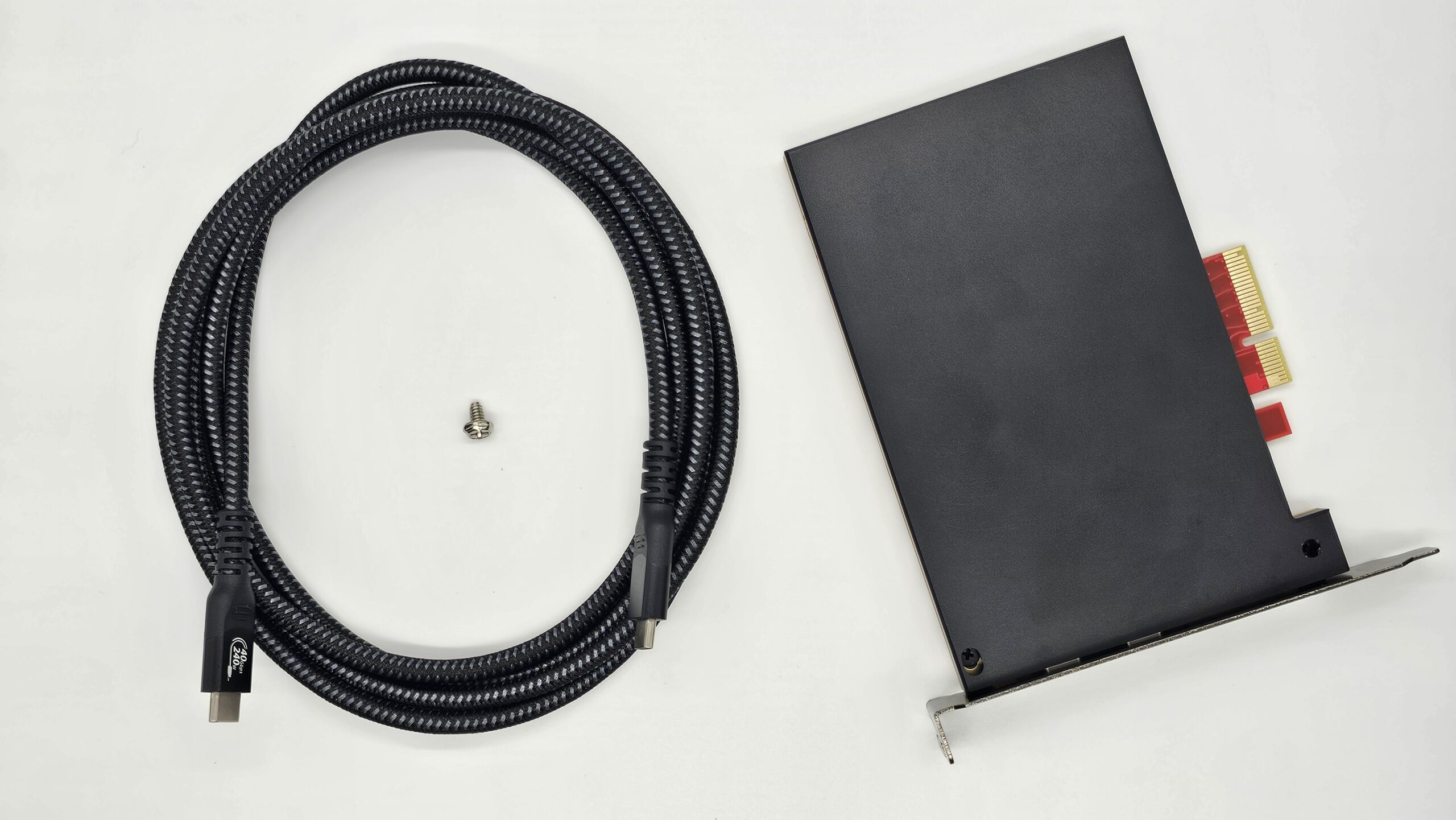
  • 1 x ZDMA (Includes cooling armor and full-height baffle)
  • 1 x Thunderbolt 4 data cable (1.5m)
  • 1 x Fixing screws

For more specialized information about ZDMA or PCILEECH, check out GITHUB:

https://github.com/ufrisk/pcileech

https://github.com/ufrisk/pcileech-fpga

📦 Shipping & Customs. Free shipping to most destinations via DHL / FedEx; import duties may apply at your destination. See the Shipping & Returns tab for full shipping, customs, and refund details.

Weight 0.5 kg
Dimensions 20 × 15 × 5 cm

Before using ZDMA, please make sure your setup meets the following requirements.

Target Computer — PCIe Interface

Your motherboard must have an available PCIe x4 (or larger) slot to install the ZDMA. Make sure the slot is free and not blocked by your graphics card, cooler, or other expansion cards. Also confirm the slot does not share lanes with other interfaces — on some motherboards, PCIe slots share bandwidth with M.2, SATA, or other PCIe slots, so enabling one may slow down or disable another. Always refer to your motherboard manual or the manufacturer's official specifications.

Controlling Computer (Second PC) — Thunderbolt Interface

The second computer needs a port supporting Thunderbolt 3 / USB4 / USB5. Note: a regular USB Type-C port is not the same as Thunderbolt — if the Type-C port only supports standard USB data transfer, it will not work. ZDMA operates over the Thunderbolt 3 protocol, so the port must support Thunderbolt 3 or a compatible protocol.

Supported Operating Systems

  • Supported: Windows and Linux on x64 / x86 architectures
  • Not supported: macOS; ARM-based devices (e.g., Apple M1 / M2 / M3 / M4)
  • Intel-based Macs running Windows can be evaluated as Windows devices

How to check for an available PCIe x4 slot

  • Check your motherboard manual or spec page for a PCIe x4, x8, or x16 slot
  • A PCIe x4 slot is usually longer than x1; ZDMA also works in many x8 / x16 slots
  • Make sure the slot is not blocked by your GPU, cooler, or other devices
  • Check whether the slot shares lanes with M.2, SATA, or other PCIe slots (to avoid speed drops, deactivation, or detection issues)
  • If using an x8 / x16 slot, confirm it is usable for an expansion device and not limited by BIOS or board layout

How to check Thunderbolt 3 support on the second computer

  • Look for Thunderbolt 3 / 4, USB4, or USB5 in the device's official specs or manual
  • Look for a ⚡ lightning icon next to the Type-C port (some devices do not print it — rely on official specs)
  • Windows: check for the Thunderbolt Control Center, or a Thunderbolt controller in Device Manager
  • Linux: use system hardware info or tools like boltctl to check the Thunderbolt controller and port status

Not sure? If you cannot confirm compatibility, please contact us before purchasing with your motherboard model, second computer model, and system info — we will help you check.

Shipping & Customs

Free Shipping. We offer free shipping to most destinations via DHL or FedEx. Some remote or high-cost regions may require a partial shipping surcharge; if this applies to your order, we will email you to confirm before shipping.

Processing. International orders are processed in weekly batches over the weekend, so your order may be dispatched in the next processing cycle after it is placed.

Transit & Tracking. Estimated transit time is about 7 days after dispatch. Once your order ships, we will email you the tracking number.

Import Duties & Taxes. Parcels are generally declared at a value of US $30. Depending on your destination's customs policy, import duties, taxes, or clearance fees may apply. These charges are the customer's responsibility, and the final amount is set by your local customs authority or carrier.

Refunds

  1. Find your order confirmation email.
  2. Reply to that email to request a refund.
  3. Attach your payment record and refund address.
  4. If no refund address is provided, we will refund to the original payment method.
  5. Your request is processed within 1–2 business days.

Read our full Return & Refund Policy →

Need Help? Open a ticket in our Discord server, or reach us by email.

Shopping Cart
Thunderbolt DMA - ZDMA 【Best DMA ever,  up to 1Gb/s, fastest DMA ever,100t-75t  2 FPGA ships】Thunderbolt DMA – ZDMA 【Best DMA ever, up to 1Gb/s, fastest DMA ever,100t-75t 2 FPGA ships】
$650
Scroll to Top